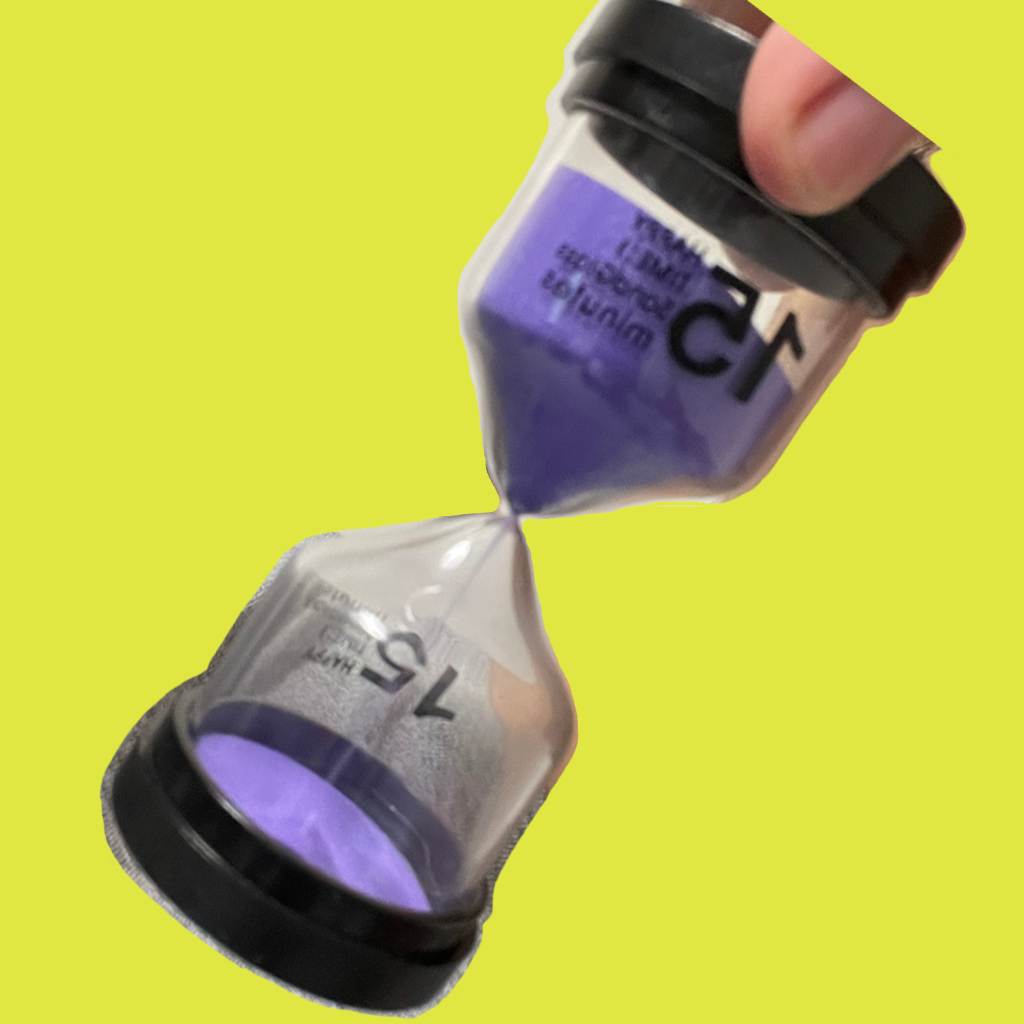
VibeCraft Timer
Silent haptic vibration timer for Apple Watch
VibeCraft Timer is a free, standalone Apple Watch timer that ends with a gentle haptic vibration instead of a loud alarm. Choose the intensity, preview it with a 3-second test, and let your wrist tell you when time is up. No iPhone needed, no data collected. Ideal for meditation, naps, focus sessions and quiet rooms.
VibeCraft Timer Smooth Mode Demo (Premium)
Also available on YouTube.
How VibeCraft Timer Works
- Set the duration. Pick how long you want to meditate, nap or focus.
- Set the vibration. Tap Set Vibration and choose the intensity that feels right on your wrist.
- Test it. Run the 3-second test timer to preview the haptic before you commit.
- Start and relax. When time is up, your Apple Watch vibrates silently. No sound, no disturbing anyone.
Why Choose a Vibration Timer on Apple Watch
- Silent by design: haptic feedback only, so the alarm never disturbs a quiet room, a sleeping partner or a meeting.
- Adjustable intensity: from a barely-there tap to a firm buzz.
- Test mode: preview the vibration in 3 seconds before starting a long session.
- Adjust mid-session: change settings during an active countdown.
- Standalone: runs entirely on the watch, no iPhone nearby required.
- Smooth Mode (Premium): a one-time US$0.99 upgrade makes the vibration ramp up gradually, perfect for waking from a nap gently.
- Private and free: no data collection, no ads, no subscription.
Who Is VibeCraft Timer For?
- Meditators who want to be eased out of a session rather than jolted by a bell.
- Power nappers who need a wake-up cue that will not wake anyone else.
- Focus and Pomodoro workers in offices, libraries or shared spaces.
- Anyone who prefers haptic cues over sound, including noisy environments where an alarm would go unheard.
Frequently Asked Questions
VibeCraft Timer is a standalone Apple Watch timer app that delivers gentle, customizable haptic vibrations to discreetly notify you when time is up. It is perfect for meditation, naps, focused work, or any situation where a silent reminder is better than a loud alarm.
VibeCraft Timer is free to download and includes all core features. A one-time Premium upgrade (US$0.99, price may vary by region) unlocks Smooth Mode, a vibration that slowly builds up to your set level instead of starting abruptly. It is ideal for meditation, naps or soft reminders where a gentle onset makes all the difference. There are no subscriptions and no ads.
Smooth Mode is the Premium feature of VibeCraft Timer. When the timer ends, the vibration starts very softly and gradually ramps up to the intensity you chose, so you are eased out of a meditation or nap rather than startled. You can see it in the demo video on this page.
Open the app and tap Set Vibration on the main screen. You can then adjust the intensity level. For example, setting it to 4 will produce vibrations every 5 seconds. Use the 3-second test timer to preview the effect before starting.
Yes. VibeCraft Timer includes a built-in Test Mode. Tap the 3-second trial timer to instantly preview the vibration effect with your current settings before committing to a full session.
Yes. You can adjust the vibration settings during an active countdown without stopping the timer.
If your Apple Watch is not vibrating, open the Watch's Settings, go to Sounds & Haptics and make sure Haptic Intensity is set to Default. Then relaunch VibeCraft Timer and try again.
No. VibeCraft Timer runs directly on your Apple Watch. Once set up, the timer works independently without needing your iPhone nearby.
VibeCraft Timer requires watchOS 11.5 or later on Apple Watch. It is an Apple Watch only app and does not run on iPhone or Android.
No. The developer does not collect any data from this app. Your privacy is fully protected.
Visit the App Support page to contact the developer by email or through the support form.
More Free Apps by the Same Developer
Note Card Copy Cat
Write ideas on note cards, reorder them by drag and drop, and copy any card in one tap. Offline, no account, no ads.